
User Documentation
Browser extension
Use the Acorny browser extension when you want to capture a passage without leaving the page you are reading.
Supported browsers
Section titled “Supported browsers”| Browser | Current status | Where to get it |
|---|---|---|
| Chrome | Available | Chrome Web Store |
| Microsoft Edge | Available | Microsoft Edge Add-ons |
| Firefox | Available | Firefox Add-ons |
| Safari | Planned | Not available yet |
1. Install and sign in
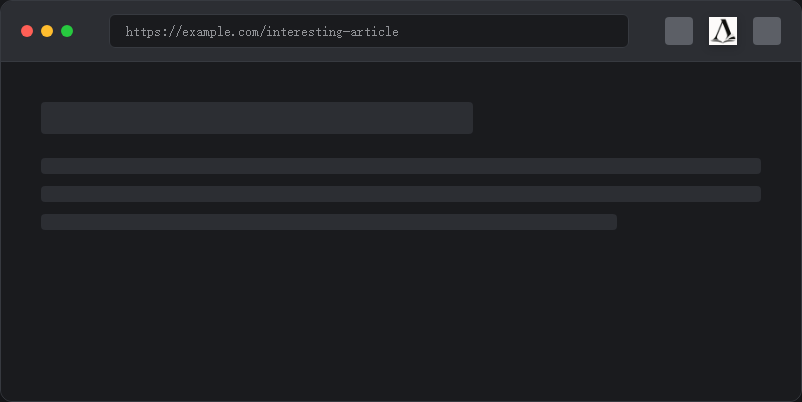
Section titled “1. Install and sign in”Install the extension for your browser. If the icon is hidden after installation, open the browser’s extensions menu and pin Acorny to the toolbar. Sign in to the same Acorny account that you use on the web app.
2. Save a highlight
Section titled “2. Save a highlight”- Open a normal web page with selectable text.
- Select the passage you want to keep.
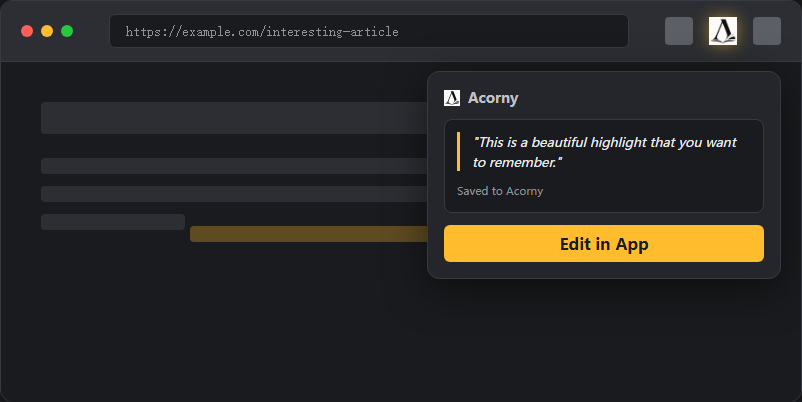
- Open Acorny from the browser toolbar and save the selected passage.
The popup shows the selected text before you save it, so check that the passage and source page are the ones you intended to capture.
3. Confirm the highlight reached your library
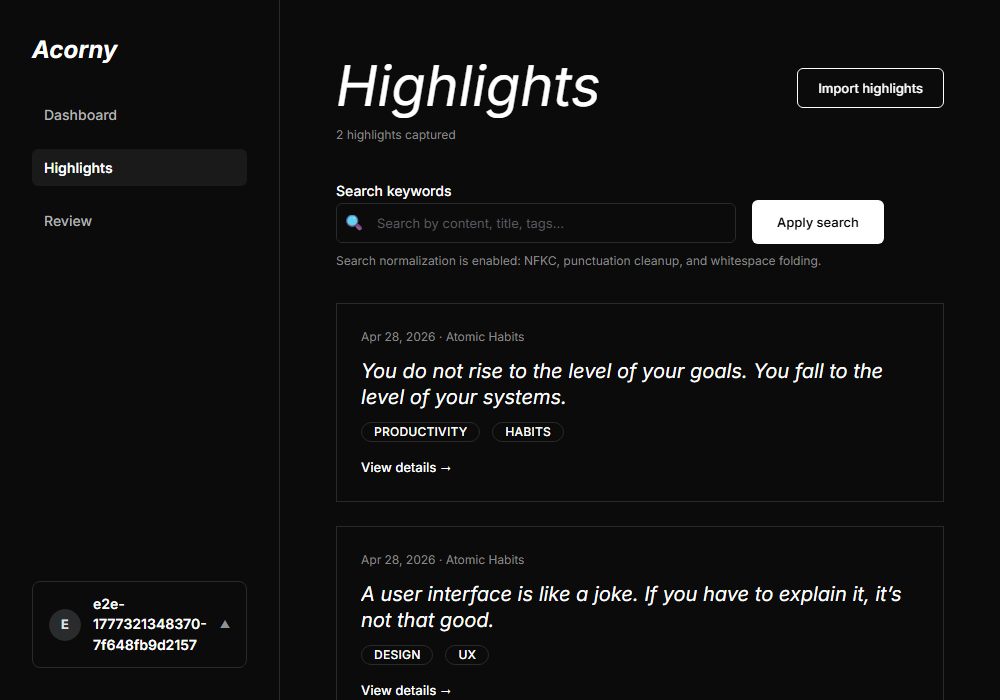
Section titled “3. Confirm the highlight reached your library”Open Acorny and check the Highlights list. The saved passage should appear with its source context. If it is present, capture is working and the highlight is ready for the review workflow.
Permissions
Section titled “Permissions”The extension needs access to the page you are using so it can read the selected text and source URL when you explicitly save a highlight. It does not need you to hand over a separate provider export file for normal web capture.
If saving fails
Section titled “If saving fails”- Confirm that the web app and extension are signed in to the same Acorny account.
- Reload the page, select the passage again, and reopen the extension.
- Try a normal article page if the current site blocks text selection or browser extensions.
- If the save completes but you cannot find the result, follow Highlights are not showing up.
For highlights already stored in another service or reader, compare the current options in Import vs sync.