
User Documentation
Quick start
Use this guide when you want to get from a new account to your first saved highlight and first review session. The fastest path is to install the browser extension, save one passage from an article, confirm it appears in your library, and open Review.
If you already have highlights in another tool, you can also import them after the first setup. Start with one small import before moving a large library.
1. Create or sign in to your account
Section titled “1. Create or sign in to your account”Open Acorny and sign in. If your email address needs verification, complete the verification email first so saved highlights can sync reliably and password recovery keeps working.
If you are signing in from the browser extension, use the same account you use in the Acorny web app. Saving highlights into one account and checking a different account is the most common reason a new highlight looks missing.
2. Install the browser extension
Section titled “2. Install the browser extension”Install the Acorny extension for your browser. The extension is the fastest way to save highlights from web pages into your Acorny library.
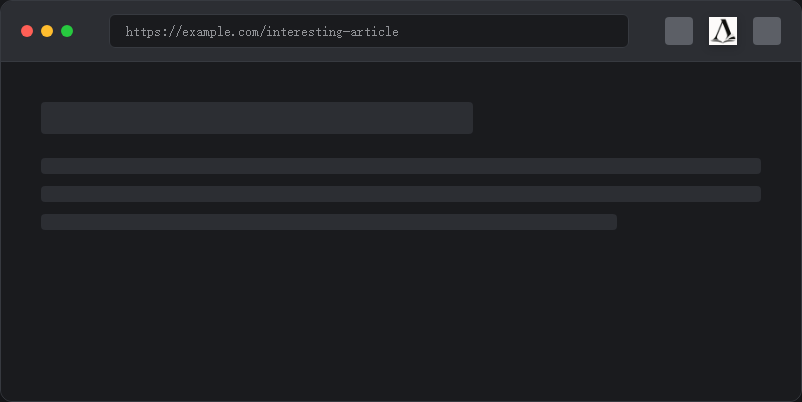
After installing, pin the extension if your browser supports pinned toolbar icons. That keeps the save flow visible while you read.
3. Save your first highlight
Section titled “3. Save your first highlight”Open an article, select text you want to remember, open the Acorny extension, and save the highlight.
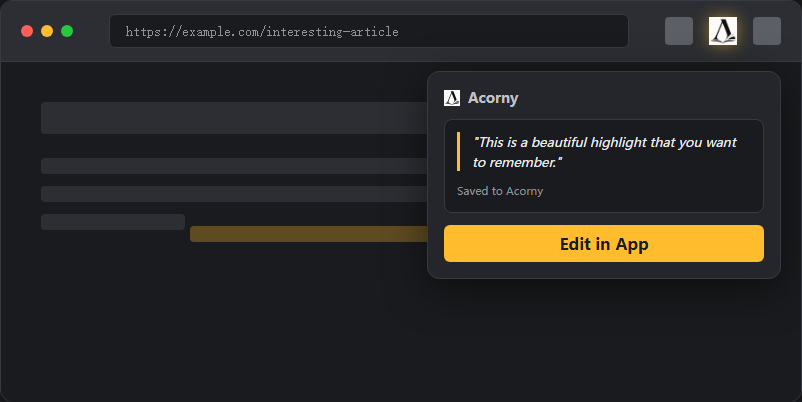
Choose a passage that can stand on its own. A useful first highlight is usually one or two sentences with a clear idea. Very short fragments can be harder to review later because the recall card has less context.
4. Check your highlights
Section titled “4. Check your highlights”Return to Acorny and open the Highlights page. Your saved highlight should appear with its source title and URL.
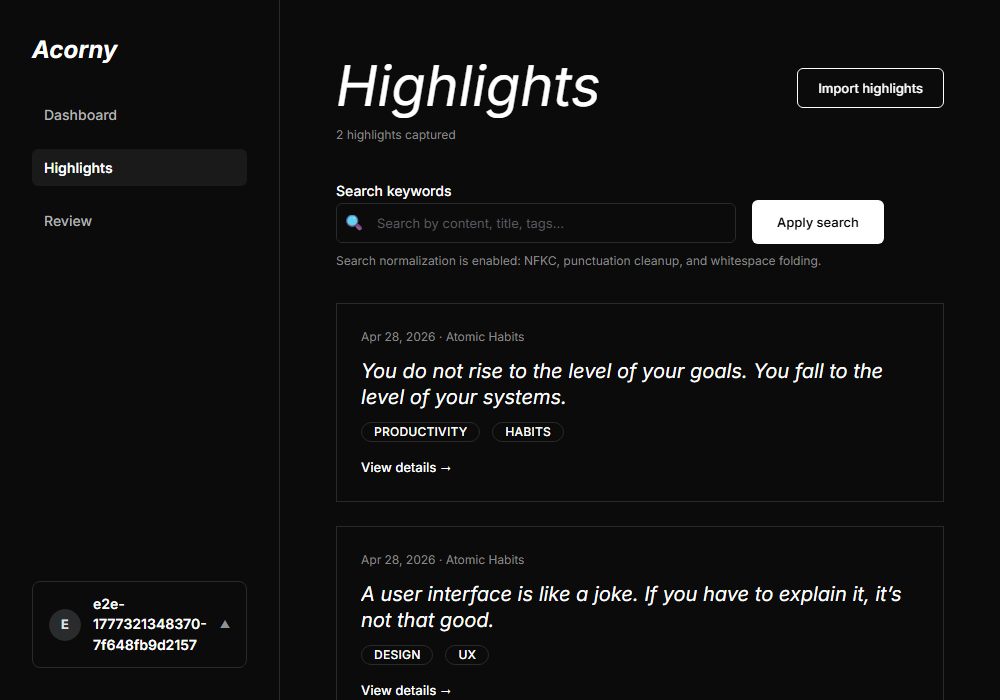
If it does not appear, refresh the page, confirm you are signed in to the same account, and check Highlights are not showing up.
5. Start your first review
Section titled “5. Start your first review”Open Review. Acorny turns saved highlights into recall cards so you can practice remembering the idea instead of only rereading it.
When a card appears, answer from memory first, then reveal or compare the original idea. Rate the card based on how well you remembered it. Higher ratings let the card wait longer. Lower ratings bring it back sooner.
6. Import existing highlights
Section titled “6. Import existing highlights”After you save one web highlight, you can bring in older highlights. Use Overview: import vs sync to choose the right path.
Use import when you have a file such as Readwise CSV, Kindle My Clippings.txt, Diigo CSV, Cubox JSON, PDF, or Acorny CSV. Use sync when you connect a provider such as Instapaper or Inoreader and want Acorny to keep pulling new items.
For large migrations, import a small sample first. Check whether the preview contains the expected source title, highlight text, note, tag, and date fields before confirming the full import.
7. Know what “caught up” means
Section titled “7. Know what “caught up” means”If Review says you are caught up, there may be no cards due in the current batch. Your highlights can still be in the library even when they are not due for review yet. See How spaced repetition works for the scheduling model.