
User Documentation
Import from Readwise
Use Readwise import when you want to migrate highlights you already saved in Readwise.
For most people, the safest migration path is to start with a Readwise CSV export, import a small sample, confirm the preview looks right, and then import the full file.
Import options
Section titled “Import options”Acorny supports Readwise data through CSV upload and one-time API import.
For most users, start with one of these paths:
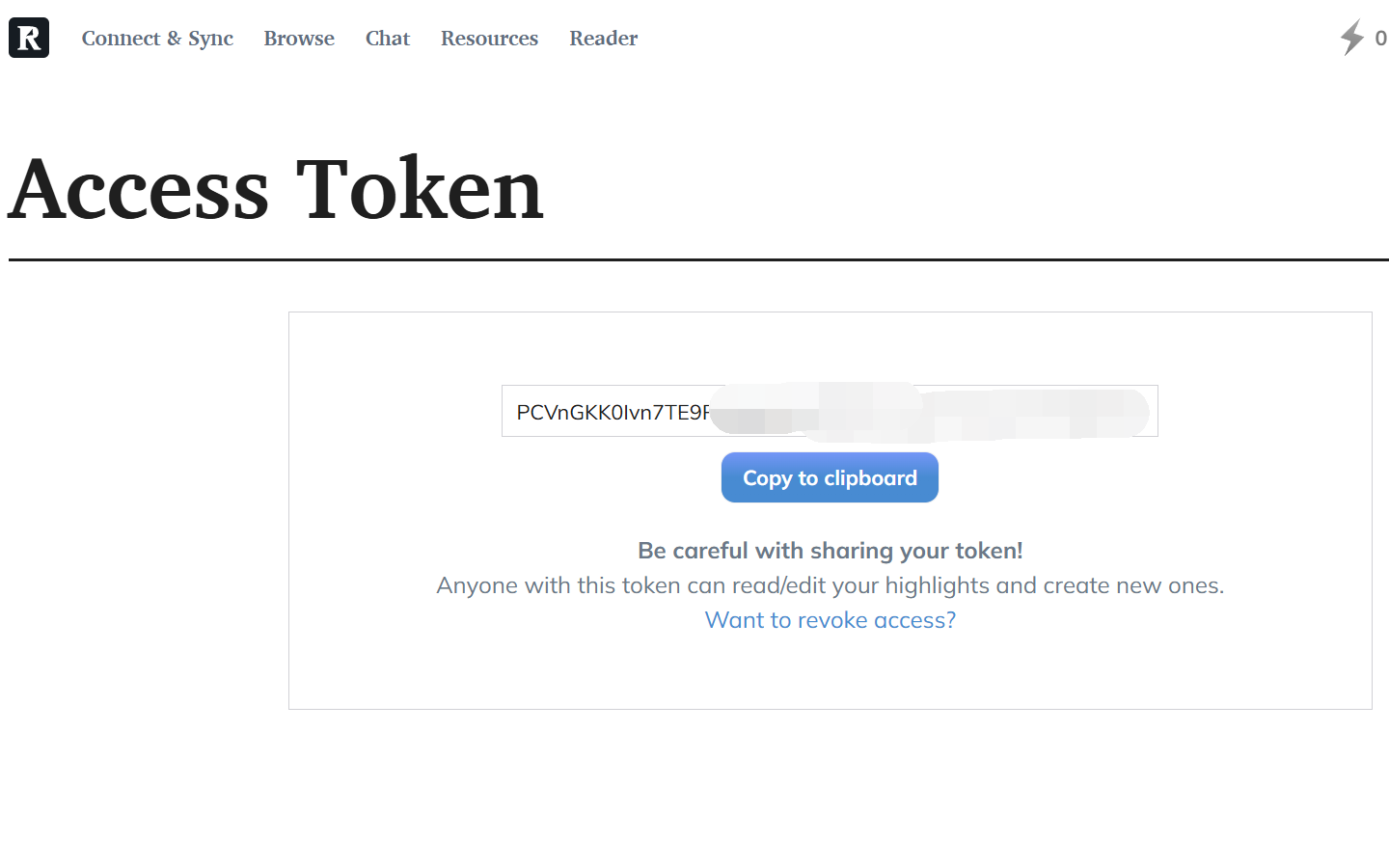
- Readwise API: use Import from API and paste your Readwise API token from https://readwise.io/access_token.
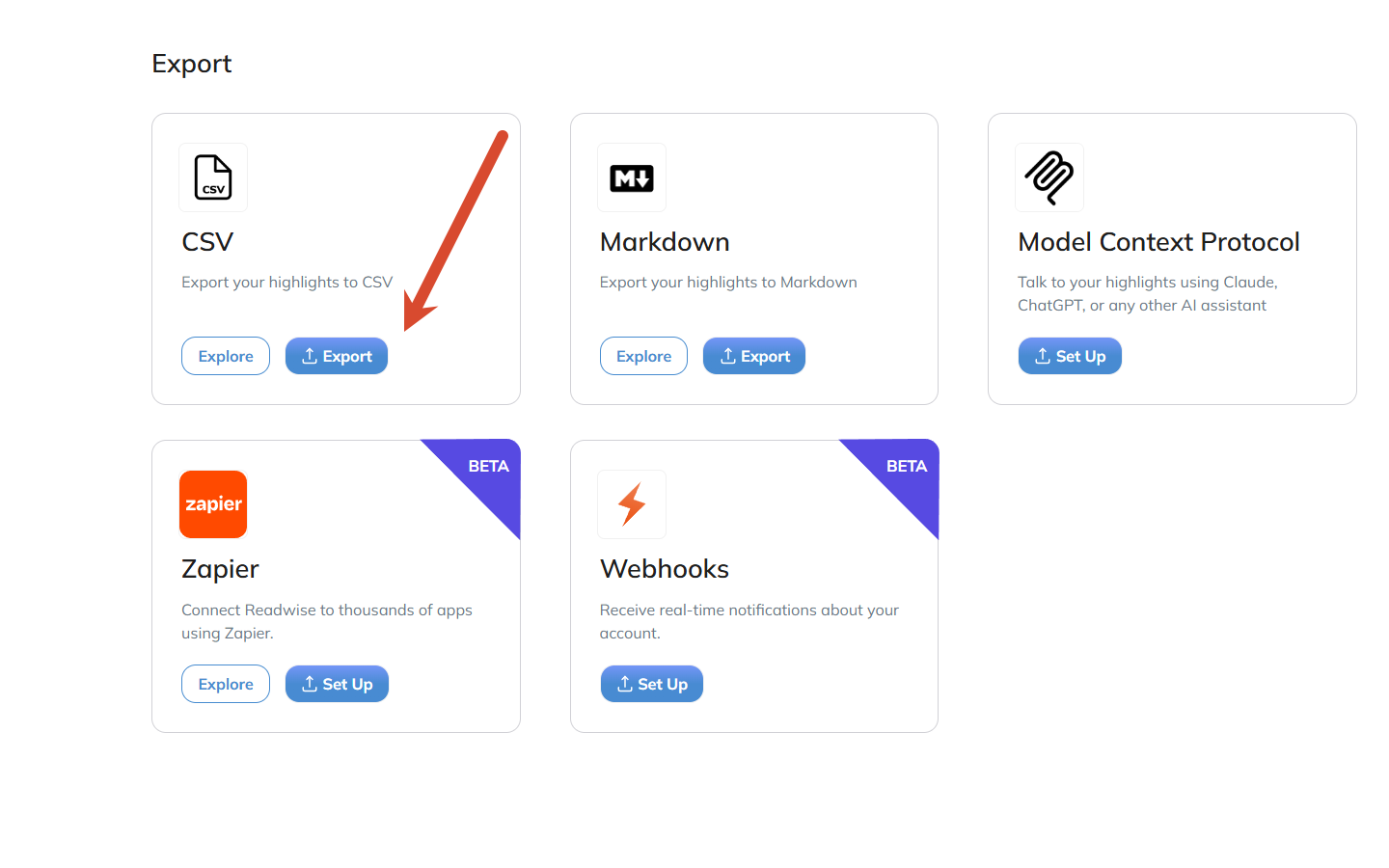
- Readwise CSV: export a CSV file from Readwise, then upload it in Acorny.
If you use the API path, copy the token from the Readwise access token page and paste it into Acorny only when the import screen asks for it.
What transfers
Section titled “What transfers”Readwise imports are designed to preserve the data that makes a highlight useful in Acorny:
- Highlight text
- Source title
- Source URL when provided
- Author when provided
- Note when provided
- Tags when provided
- Highlighted or created date when provided
- Details Acorny can use to recognize the same highlight later
These details help Acorny avoid duplicates if you import the same library again.
What does not transfer
Section titled “What does not transfer”Acorny does not try to recreate every Readwise account setting. For example, it does not import Readwise email settings, daily review preferences, or integrations configured inside Readwise.
Some exports also omit optional fields. If a field is missing from the CSV or API result, Acorny cannot infer it later.
Large migrations
Section titled “Large migrations”If you have thousands of highlights, import a smaller export first. Check these items in the preview:
- The source title looks correct.
- Highlight text is readable.
- Notes and tags appear where expected.
- The import count is close to what you expected.
- Duplicate handling does not create repeated records.
After the small import works, run the full migration. Large migrations can make Review feel busy, but your highlights do not need to become review cards all at once.
After import
Section titled “After import”Imported highlights appear in your Highlights page and can enter review sessions. If an imported highlight already exists, Acorny keeps the existing record instead of creating a duplicate.
Open the Highlights page after confirming the import. Search for one book title or article title from the export. Then open Review later to practice recall cards generated from imported highlights.
Troubleshooting
Section titled “Troubleshooting”If the upload fails, confirm that the file is a Readwise CSV export and not a spreadsheet saved in another format. If the preview looks empty, open the CSV locally and check that it contains highlight text.
If API import fails, create a fresh Readwise API token and paste only the token value from https://readwise.io/access_token. Do not paste your Readwise password into an API token field.